CC Attitude Configuration
CC Attitude Configuration
- Paul Jewell
- Lalanne Laurent
- Philippe Renon
Owned by Paul Jewell
Last updated: Oct 08, 2016 by Lalanne Laurent
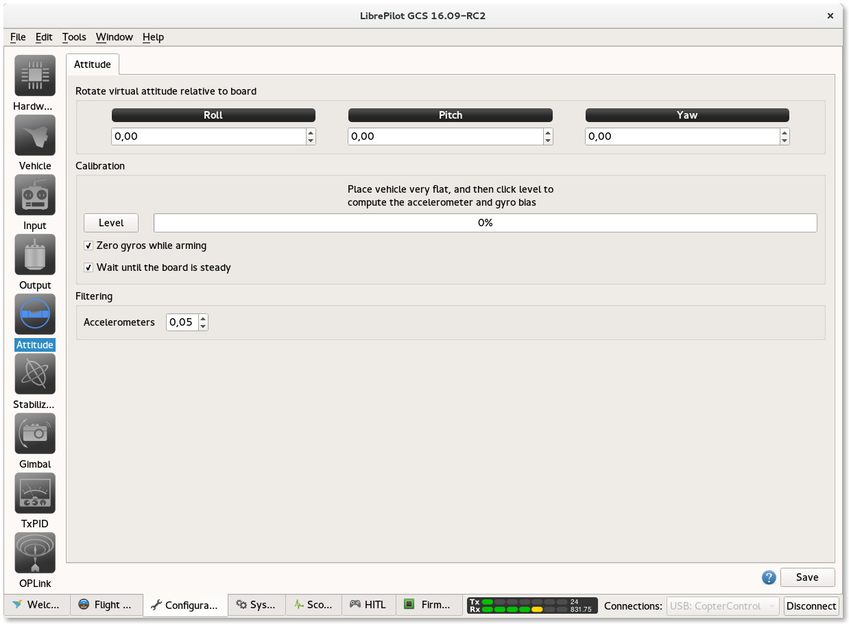
Virtual Attitude rotation
This is where the orientation of the flight controller relative to the airframe is set.
Virtual rotation chart for common board orientations, please double check settings using PFD (Primary Flight Display) in Flight Data tab.

Level calibration
Place your vehicle perfectly level and click Level button, do not move frame at all and wait for the process to complete.
Gyros Initialization
Those options allow gyro initialization while arming and safe initialization that wait the board is steady.
Filtering
If you experience drifting issue while hovering, you can try to raise this value or find better balance for your propellers.
, multiple selections available,