Windows Building and Packaging (old)
- Paul Jewell
- Lalanne Laurent
- Philippe Renon
Information
After 15.09 release you should use Msys2: see new Windows Building and Packaging page.
Introduction
Windows does not provide a bash environment like other 'Unix' systems. Most of tools are prepackaged and downloaded from our server to make the installation as friendly as possible. All you need to install manually is the msysGit package. Then, after running two scripts, you should have a complete build environment ready.
Install required software
- Download msysGit from https://git-for-windows.github.io/
- Install msysGit with default options except the install directory that needs to be without spaces, e.g. C:\GIT.
Browse installation steps using left/right arrows above.
Get the code using Git Bash
- Start Git Bash

- Create a C:/CODE directory (no spaces in name) :
Using steps
cd ..
cd ..
mkdir code
cd code
or
mkdir c:/code
cd c:/code
Clone repository using git command :
git clone https://bitbucket.org/librepilot/librepilot.git
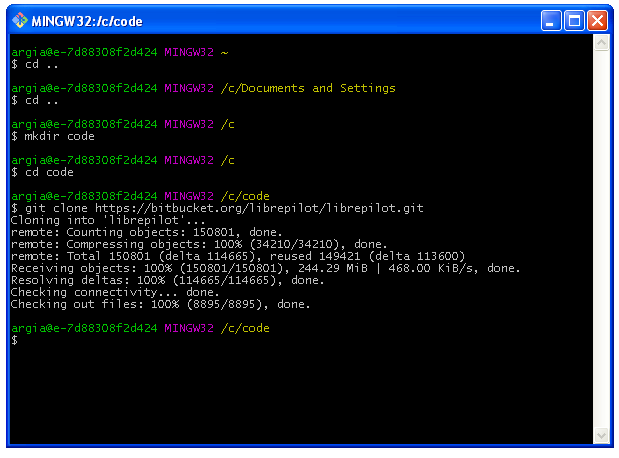
Go into librepilot directory just created using git clone and check out the "next" source code branch, you can choose any other like "master" or "rel-15.09"
cd librepilot
git checkout next
Install Windows tools
Some tools are needed : make and 7za (7-Zip)
run the following script :
make/scripts/win_sdk_install.sh
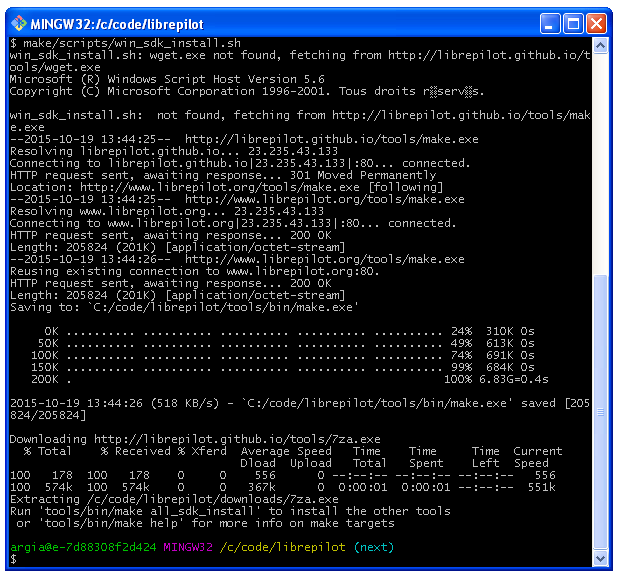
make command
Tired of typing tools/bin/make every time?
The following command will add /C/code/librepilot/tools/bin to your PATH:
echo "export PATH=\"\$PATH:/C/code/librepilot/tools/bin\"" >> ~/.profile
You should adapt it to match your librepilot directory...
After issuing the above command, you'll need to exit the current shell and start a new one for it to take effect.
The rest of the document assumes that you have done this step (and we really recommend that you do it).
Install the toolchain
The toolchain is used to build the software:
Using make freshly installed in previous step:
make all_sdk_install
This can take a while, fast internet connection preferred !
| Tool | Approx. size | Used for |
|---|---|---|
| Arm compiler | ~94Mb | firmware build |
| Qt installer | ~855Mb | GCS build |
| SDL | ~800Kb | GCS build |
| Nsis | ~2,1Mb | Windows installer |
| Mesa | ~13Mb | OpenGL soft driver |
| Open-ssl | ~1,8Mb | |
| ccache | ~350Kb | Build faster |
| gtest | ~1,1Mb | |
| uncrustify | ~250Kb | Format code |
| doxygen | ~4Mb | Documentation |
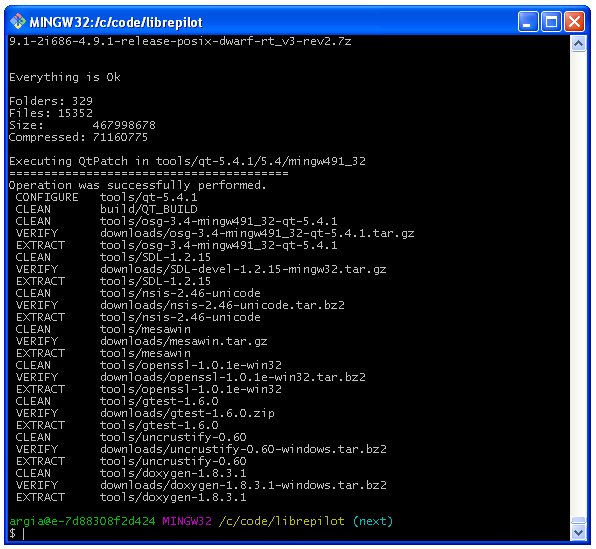
Ccache issue
With the latest msysGIT version there are some issues with ccache install and ccache can be disabled as follows :
make[1]: *** [install] Error 3
make[1]: Leaving directory 'C:/code/librepilot/build/ccache-3.2.2'
C:/code/librepilot/make/tools.mk:1011: recipe for target 'ccache_install' failed
make: *** [ccache_install] Error 2
Edit the file make/tools.mk and find this line:
BUILD_SDK_TARGETS += osg sdl nsis mesawin openssl ccache
Comment ccache target with a "#"
BUILD_SDK_TARGETS += osg sdl nsis mesawin openssl #ccache
Building the LibrePilot software
Basically you just need to type:
make package
See also the Make basics page and learn more about 'make' commands
It will build the UAVObjGenerator utility and all firmwares:
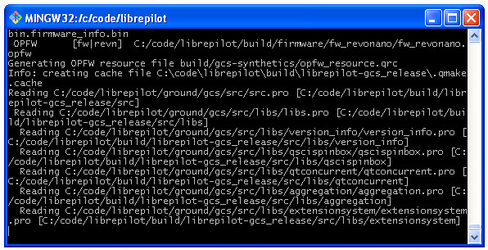
Then GCS software:
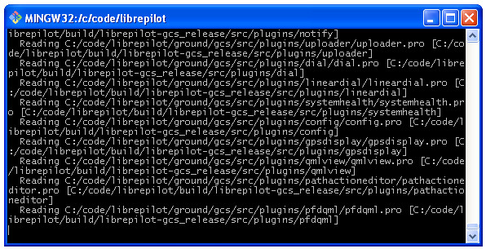
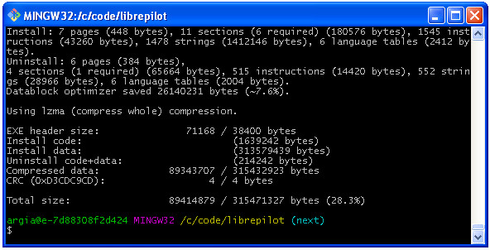
Finally all files are packaged using the Nsis software installer.
At end, the LibrePilot software installer can be found in C:\code\librepilot\build\ directory.
Congrats !
Congratulations! You have setup the build environment and built the complete LibrePilot software suite!